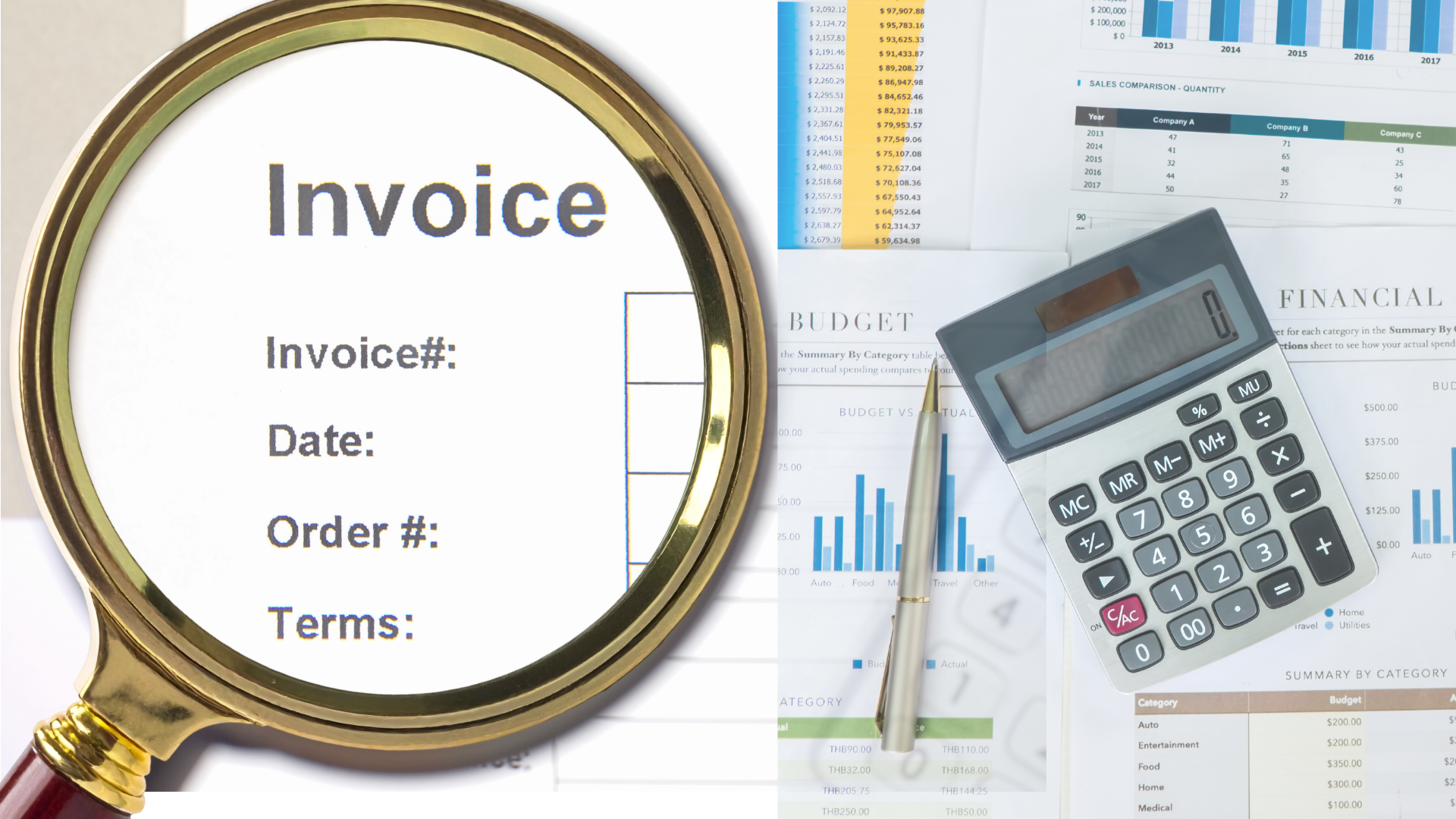
An invoice arrives with familiar branding and an urgent payment request. How does your team decide whether it’s legitimate?
If your business uses QuickBooks Online, security isn’t just about signing in safely. It’s also about checking what you’re being asked to pay.
🧾 Verify unexpected invoices
Recognize the supplier but not the charge? Confirm that the invoice matches an actual purchase before paying. Scammers can use legitimate invoicing tools to send fraudulent requests, so a QuickBooks-generated email isn’t proof that a bill is genuine.
📞 Confirm through a trusted contact
If an invoice or payment instruction seems unusual, contact the supplier using a phone number or contact method you already trust, not the details in the questionable message.
🔎 Investigate unexplained changes
If a transaction looks different from what your team expects, have an authorized administrator review the audit log. It can help identify who made a change, when it happened, and the original transaction details. An unexpected change needs investigation, not an automatic assumption of fraud.
🚩 Pause suspicious requests
If a message claims there’s a failed payment or account problem, don’t use its links or phone numbers to resolve it. Contact support through the official website instead.
Give your team a clear process for verifying unusual requests before money moves. Your accounting team can confirm the business details, while your IT provider can help investigate suspicious messages.
To discuss your business’s IT security, reach out to Bernie Orglmeister at support@skyviewtek.com or call 610-590-5006.