“Can I put this into AI?”
A customer email. An internal spreadsheet. Notes from a meeting. Your employees should know what’s allowed before they upload it.
Start your AI policy by naming the tools employees can use and the tasks they’re approved for. Drafting a general email and analyzing confidential business records need different rules. Make it clear who approves new tools, too.
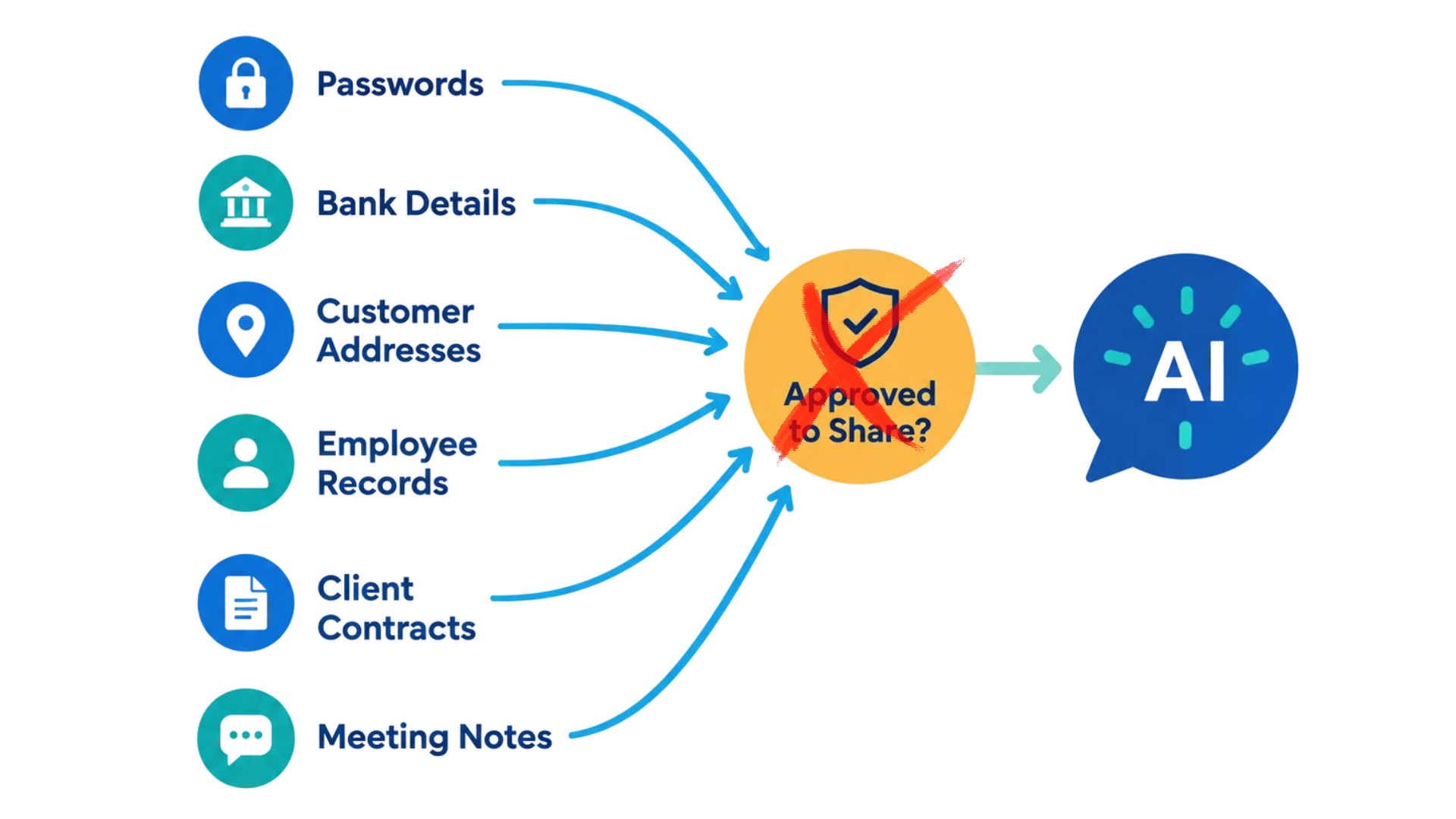
Spell out what information employees can share. Customer details, employee records, passwords, and confidential documents shouldn’t go into an AI tool unless your business has explicitly approved that tool and use. Give examples that match your team’s everyday work instead of simply saying “protect sensitive data.”
Explain what needs a human review. If someone uses AI to draft a customer response, they still need to check the facts, wording, and any promises it makes before sending it.
Assign someone to handle questions and policy updates. Walk employees through the rules, show them where to request approval, and explain how to report a mistake so it can be addressed promptly.
Need help reviewing the technology and security settings behind your AI policy? Reach out to Bernie Orglmeister at support@skyviewtek.com or call 610-590-5006.