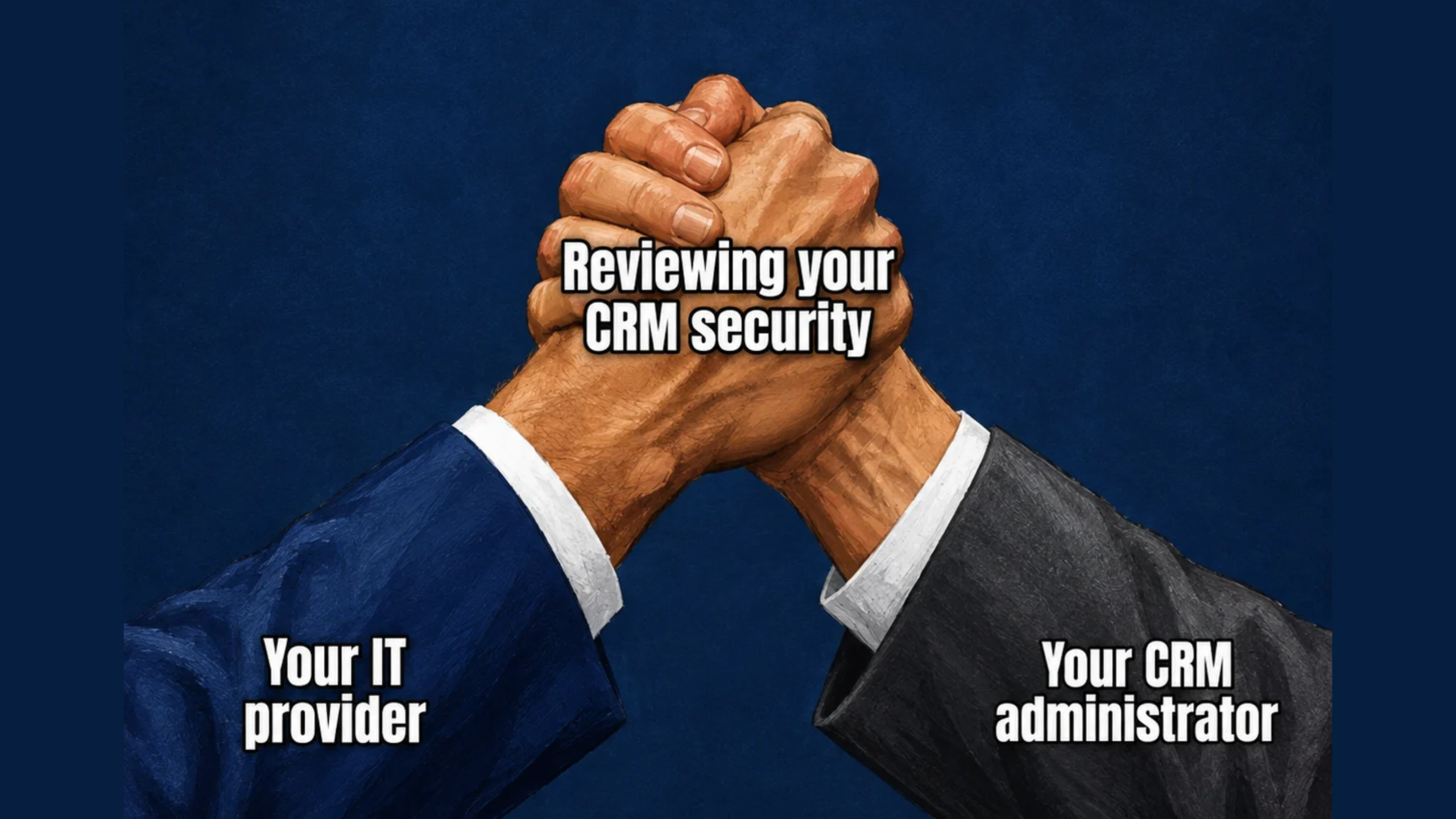
If your business uses Salesforce, who’s checking user access, connected apps, and security settings?
Your IT provider, working with your Salesforce administrator, should review these key areas:
🔐 Sign-in protection
Confirm that multi-factor authentication protects user access, including when employees sign in through a single sign-on provider.
👥 User permissions
Check who has administrator-level access and whether elevated permissions still match each person’s responsibilities.
🔗 Connected apps
Review which applications connect to Salesforce, what permissions they have, and how their access is secured.
⚙️ Security settings
Use Salesforce Health Check to identify settings that may need attention and compare your configuration against a security baseline.
Test changes before applying them broadly. The goal is a clear picture of your setup, practical improvements, and defined responsibilities for keeping it secure. To discuss your business’s IT security, reach out to Bernie Orglmeister at support@skyviewtek.com or call 610-590-5006.