
A new Gmail phishing technique is making scam emails far more convincing.
Instead of spoofing a Google address, attackers abuse Google’s recovery-contact feature to make Google send the email for them.
Here is how it works:
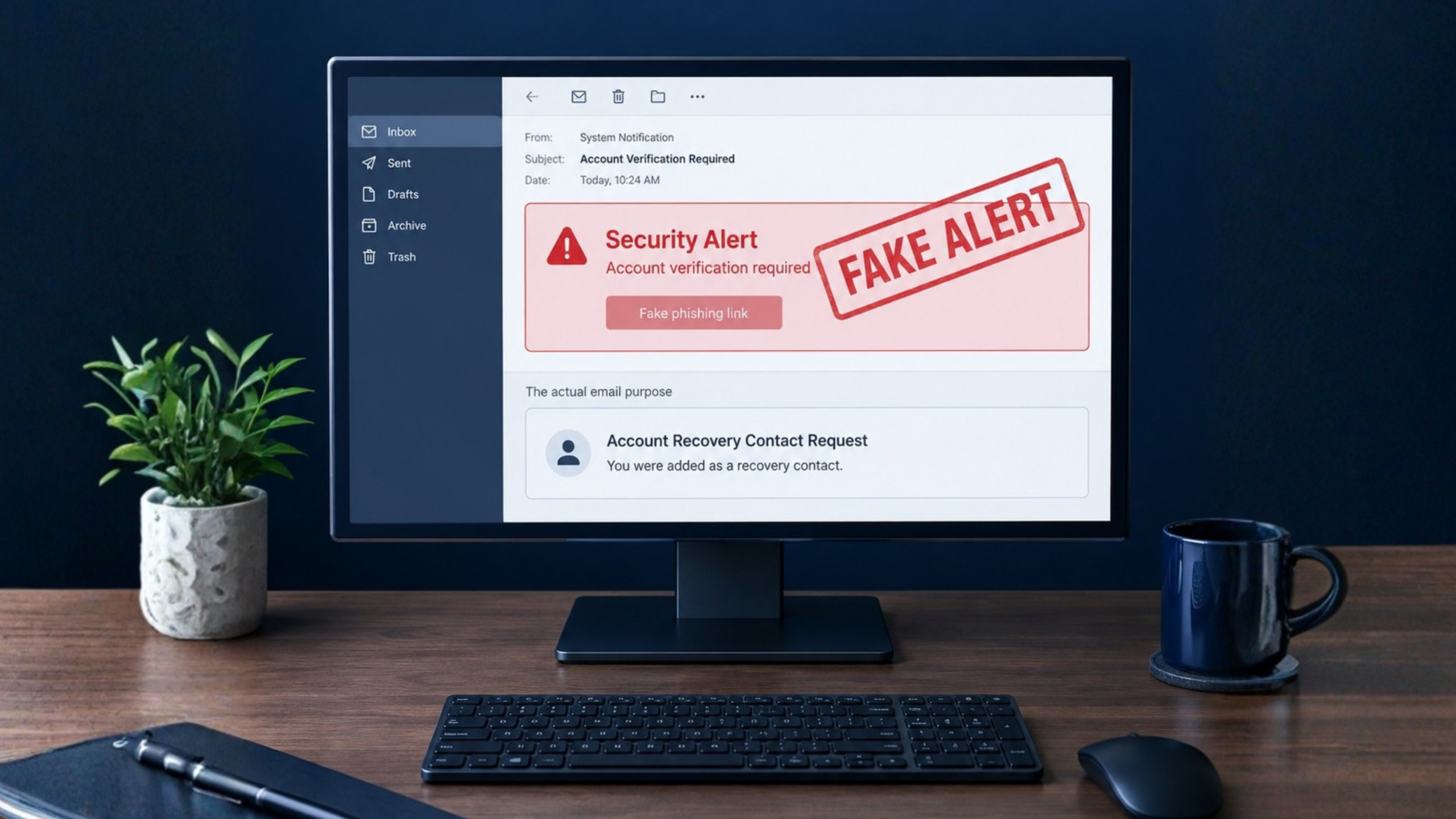
The attacker creates a Google account and sets the account name to a fake security warning containing malicious formatting, phishing links, and large blocks of blank space.
The attacker adds your email address as a recovery contact.
Google sends you a legitimate automated recovery-contact message from no-reply@accounts.google.com.
The attacker-controlled content appears inside the email, displaying a fake warning near the top and pushing the real Google recovery-contact notice lower in the message.
The phishing link can lead to a credential-stealing page hosted on sites.google.com, which is a real Google domain.
This means the sender address can be genuine, the message can pass SPF, DKIM, and DMARC authentication, and the link can appear to belong to Google.
How to stay safe:
Do not click links in unexpected security-alert emails.
Open a new browser tab and type myaccount.google.com or accounts.google.com yourself.
Review security activity, recovery contacts, recovery email, and recovery phone settings directly in your account.
Never enter a password, MFA code, backup code, or recovery code after following an unexpected email link.
Report suspicious messages as phishing in Gmail.
SkyViewTek helps businesses strengthen phishing awareness and create safer account-verification habits, especially as attackers find new ways to misuse trusted platforms. Reach out to Bernie Orglmeister at support@skyviewtek.com or call 610-590-5006.