
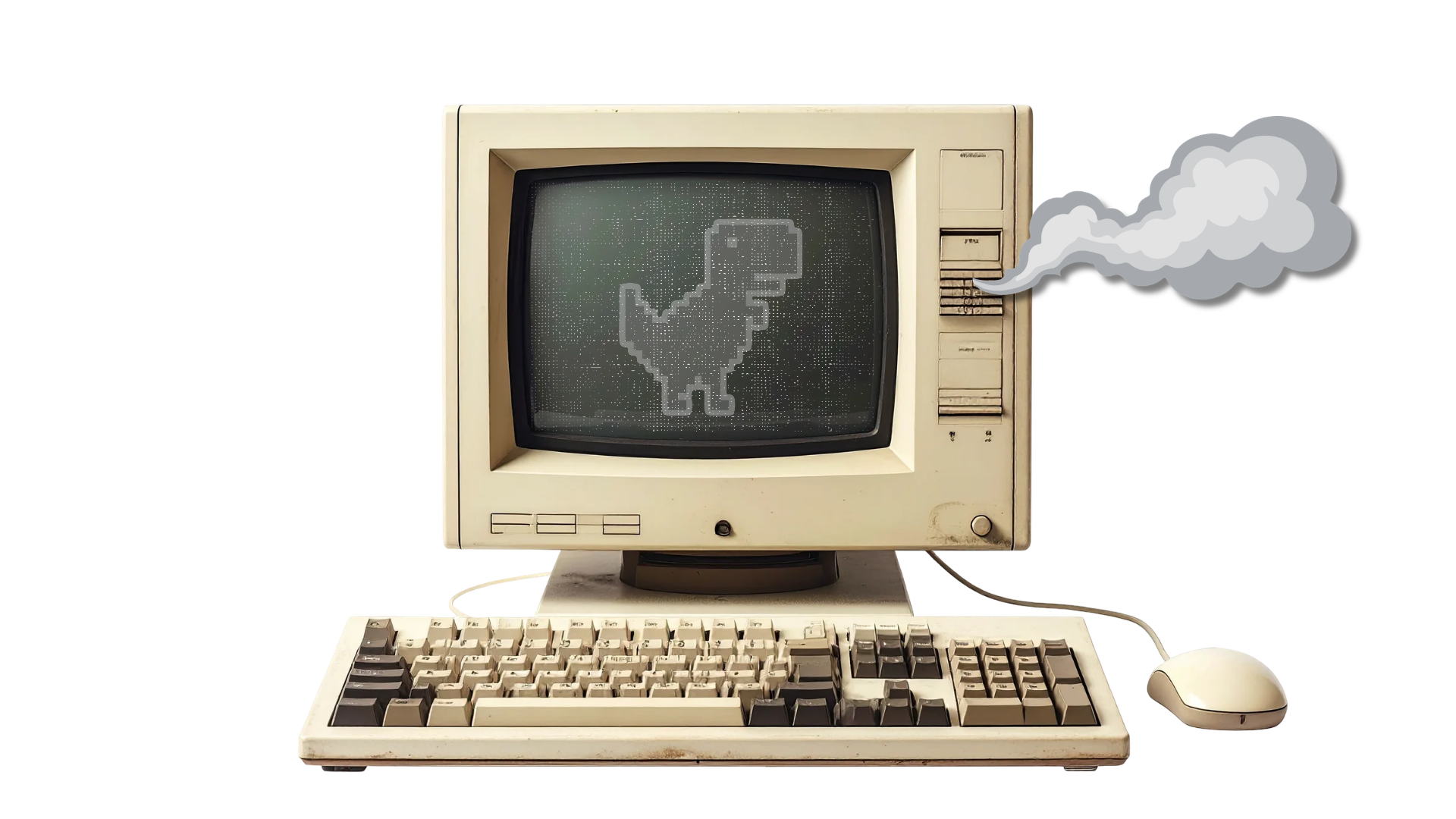
“We’re saving money by keeping the old computers.”
But how much time does your team spend waiting on them?
Slow startups, frozen applications, and repeated restarts don’t appear on the purchase invoice. They show up in interrupted work, delayed tasks, and time spent troubleshooting instead of serving customers. Aging, unsupported systems can also create software compatibility problems and more requests for IT support.
Before deciding a computer is “still good enough,” look at how it performs during an actual workday. Can employees run the applications they need without frequent interruptions? Are the same issues coming back after repairs? Is its operating system still receiving security updates?
An older computer doesn’t automatically need replacing. The goal is to identify which devices still meet your team’s needs and which are costing more to keep than you realize. A planned, phased approach lets you prioritize problem devices instead of replacing everything at once.
Not sure which computers need attention first? Reach out to Bernie Orglmeister at support@skyviewtek.com or call 610-590-5006.