
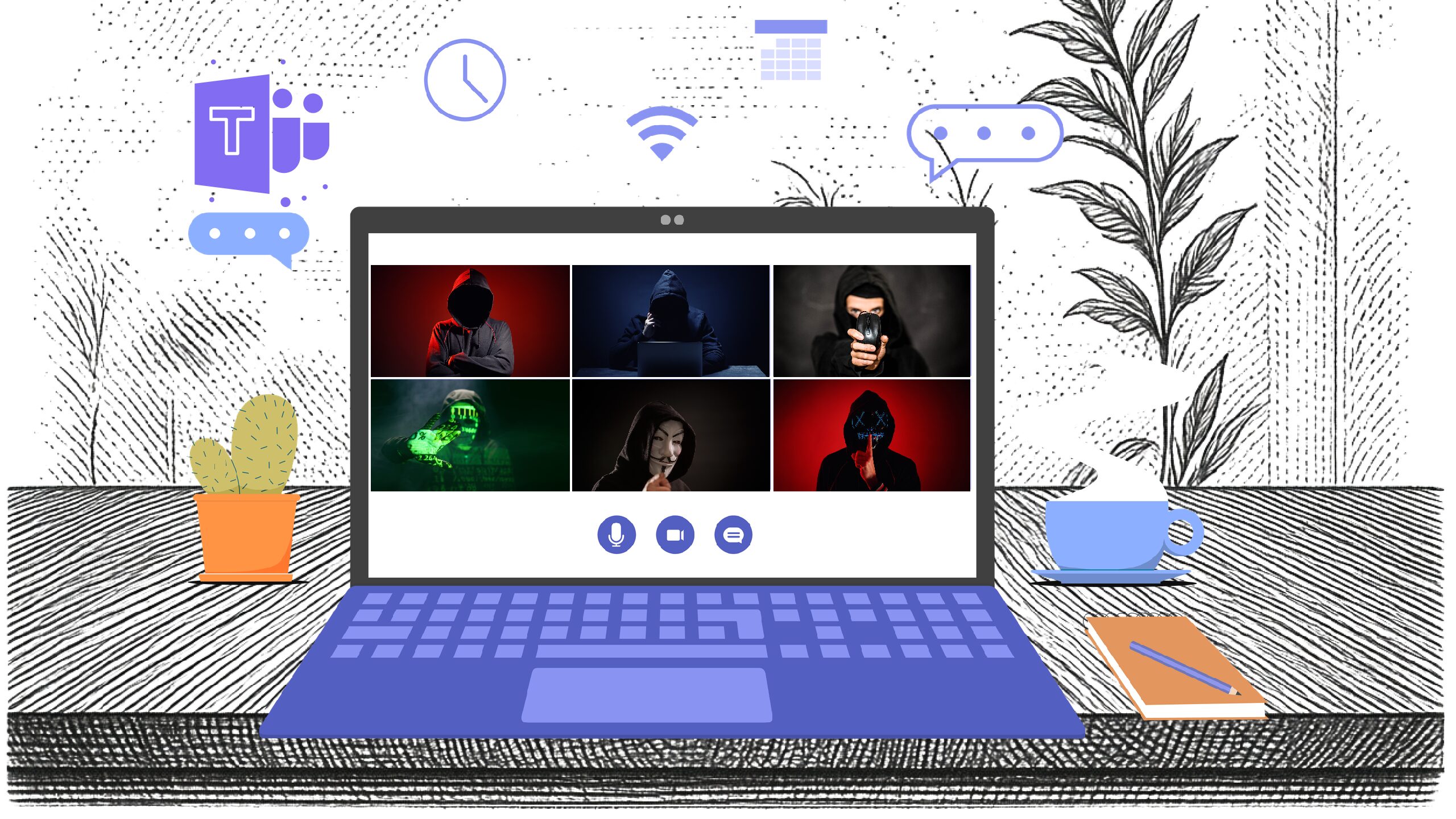
🚨 Attackers are using convincing Microsoft Teams messages and fake “update required” pages to steal passwords and install remote-control tools on business devices. Because Teams feels like a trusted internal space, many users click before they think.
💡 Stay protected:
Only install Teams updates from within the app or through your IT provider, never from links in emails or chats.
Double-check meeting URLs and make sure they point to legitimate Microsoft domains.
Turn on multi-factor authentication (MFA) for Microsoft 365 accounts so a stolen password alone is not enough.
Be wary of “urgent” IT or HR requests that arrive in Teams, especially from unknown or external contacts.
Use modern endpoint protection that can detect suspicious behavior, not just known viruses.
If you want help tightening your Microsoft 365 and Teams settings and running a quick awareness session for your team, reach out to Bernie Orglmeister at support@skyviewtek.com or call 610 590 5006. ☎️