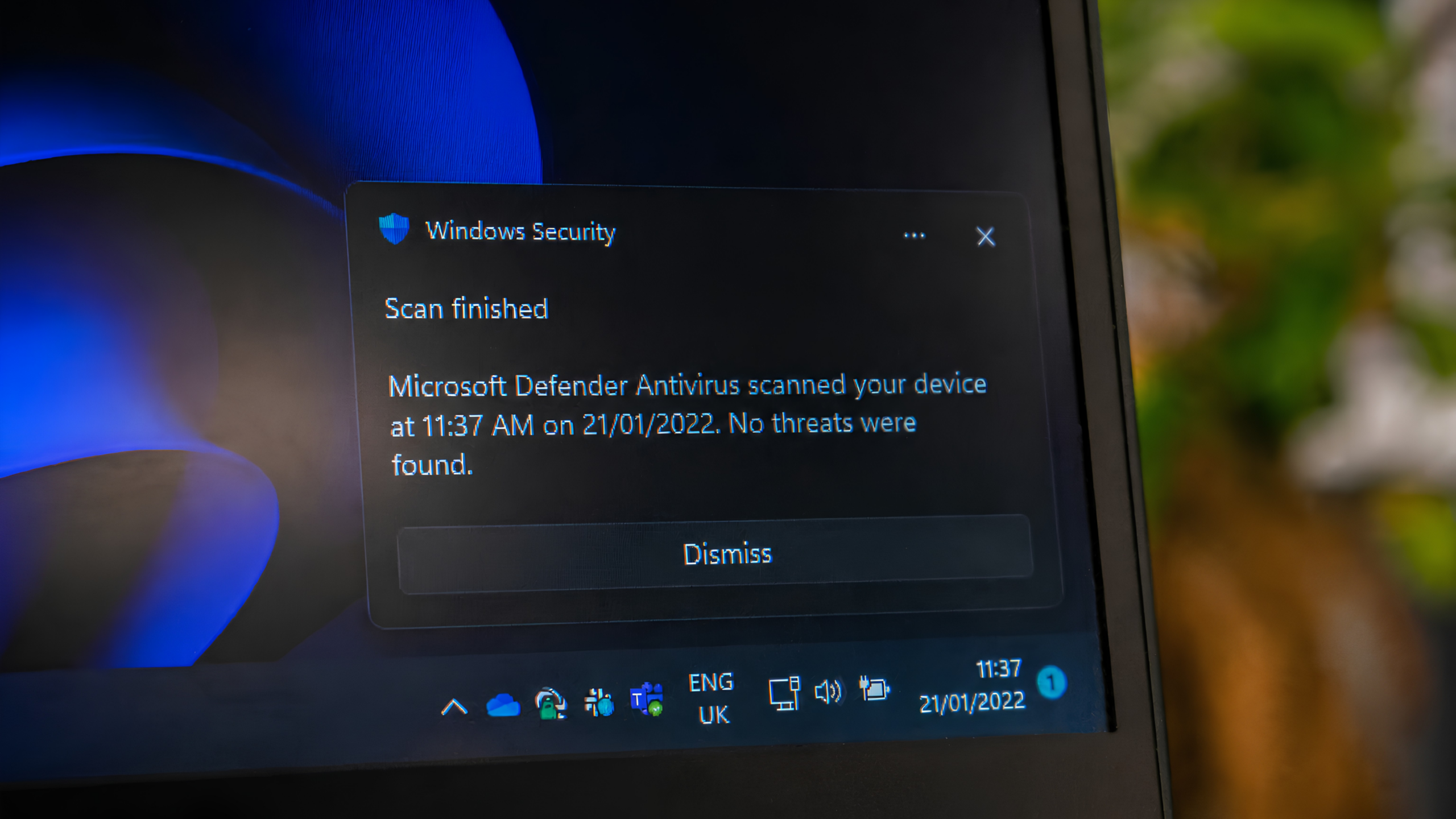
Antivirus software is an important layer of protection—but it is not a green light to open every file.
Cybercriminals constantly change how malicious files behave. A new or cleverly disguised file may not be recognized immediately, even when it is scanned by security software. That is why an unexpected attachment, link, invoice, or shared document should always be treated carefully—even if your antivirus says it is clean.
Before opening a file, pause and ask:
Were you expecting it?
Do you recognize and trust the sender?
Does the file name, request, or timing make sense?
Everyday Protection Tips
Pause before opening attachments. Be especially cautious if you were not expecting the file.
Look for red flags. Urgent language, unusual requests, misspellings, or an unfamiliar sender address are reasons to stop and check.
Use strong, unique passwords. A password manager can make this much easier.
Turn on multifactor authentication. It adds protection to your accounts beyond a password.
Back up important files. Make sure essential business data is backed up regularly.
When in doubt, ask. If a file, link, or request feels off, do not click—check with your IT team first.
Antivirus is one important layer of protection. Email security, multifactor authentication, backups, and informed users work together to help reduce risk.
Not sure whether your business has the right protections in place? SkyViewTek can review your endpoint protection, email security, backups, and user-access controls.
Reach out to Bernie Orglmeister at support@skyviewtek.com or call 610-590-5006.