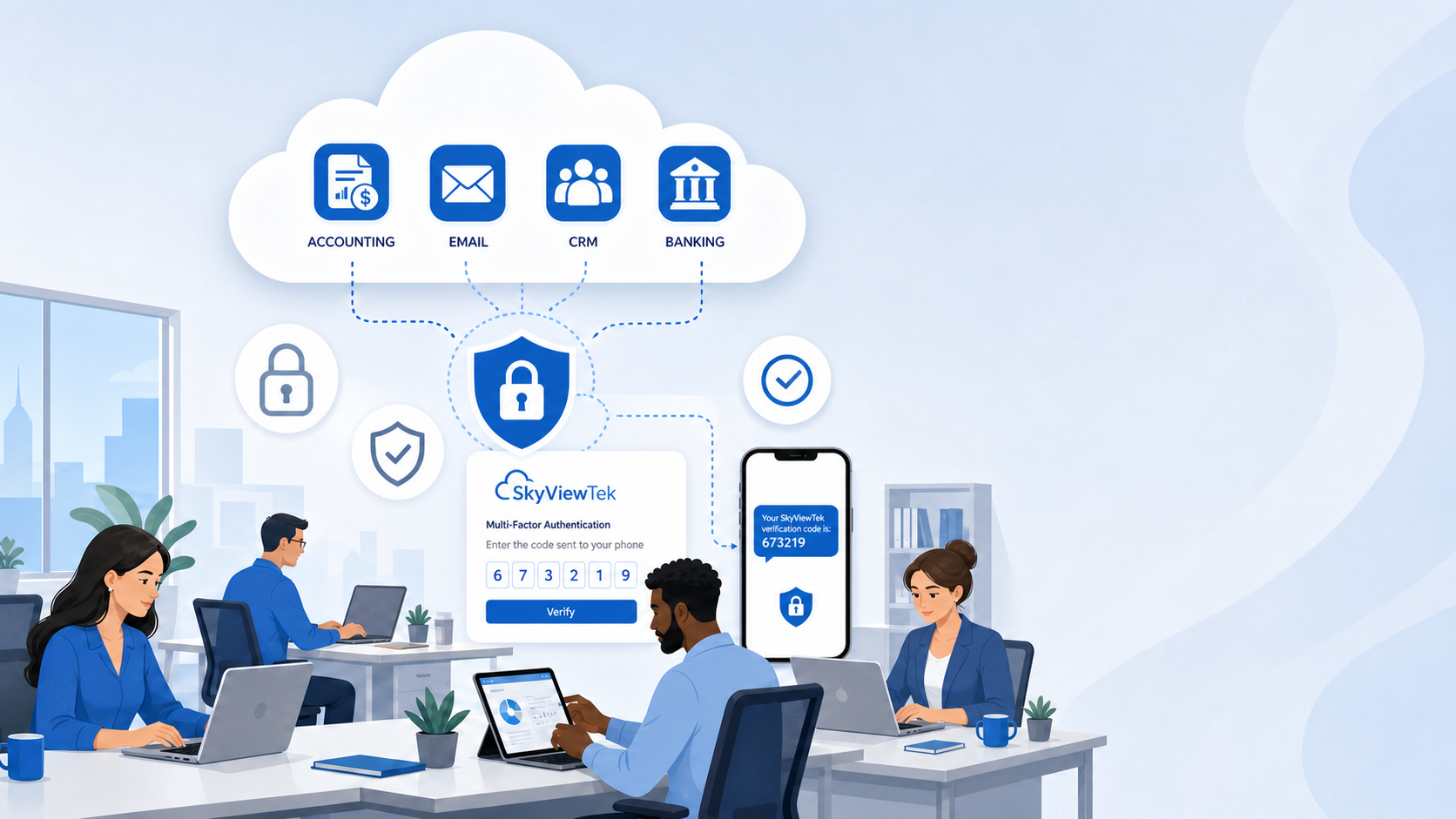
Many small businesses use cloud-hosted applications such as QuickBooks Online, payroll systems, CRM platforms, banking portals, and industry-specific software. While these providers invest heavily in securing their platforms, your business is responsible for protecting who can access your accounts.
Think of it this way: the software vendor provides a secure building, but it’s your responsibility to control who has the keys.
To help reduce the risk of unauthorized access, SkyViewTek recommends the following best practices:
Use Multi-Factor Authentication (MFA).
Require MFA for every user whenever possible. Even if a password is compromised, MFA provides an additional layer of protection before access is granted.
Use Strong, Unique Passwords.
Avoid reusing passwords across multiple websites or applications. A password manager can help employees create and securely store complex passwords.
Limit User Access.
Provide employees with only the permissions they need to perform their jobs. Remove access promptly when an employee changes roles or leaves the company.
Review User Accounts Regularly.
Periodically review active users, administrative privileges, and connected applications to ensure only authorized individuals have access.
Protect Employee Computers.
A secure cloud application can still be compromised if an employee’s computer is infected with malware or stolen. Business-grade antivirus, endpoint protection, regular updates, and device monitoring help reduce this risk.
Keep Software and Devices Current.
Computers, browsers, and mobile devices should be kept up to date with the latest security patches to help protect cloud-based applications.
Train Employees to Recognize Phishing.
Many cloud account compromises begin with a phishing email that tricks a user into revealing their login credentials. Ongoing security awareness training helps employees recognize suspicious emails, fake login pages, and other social engineering attacks.
Monitor for Suspicious Activity.
Review login alerts and unusual account activity. Many cloud applications provide notifications when someone signs in from a new device or location.
Back Up Your Business Data.
Although cloud providers maintain their infrastructure, they may not protect against accidental deletion, ransomware, or user error. Independent backups help ensure your business can recover important information if needed.
SkyViewTek’s Role
At SkyViewTek, we help clients implement these best practices by reviewing account security, deploying MFA, protecting endpoints, monitoring systems, providing employee security awareness training, and helping ensure your technology environment aligns with cybersecurity best practices and cyber insurance requirements.
Cloud software is an important part of modern business—but protecting access to that software is just as important as protecting your office building. A layered cybersecurity approach helps reduce risk and keeps your employees productive. Ready to tighten your defenses, reach out to Bernie Orglmeister at support@skyviewtek.com or call 610‑590‑5006.