🚩 Phishing Evolved
It’s not just in your emails anymore! Scams now strike through:
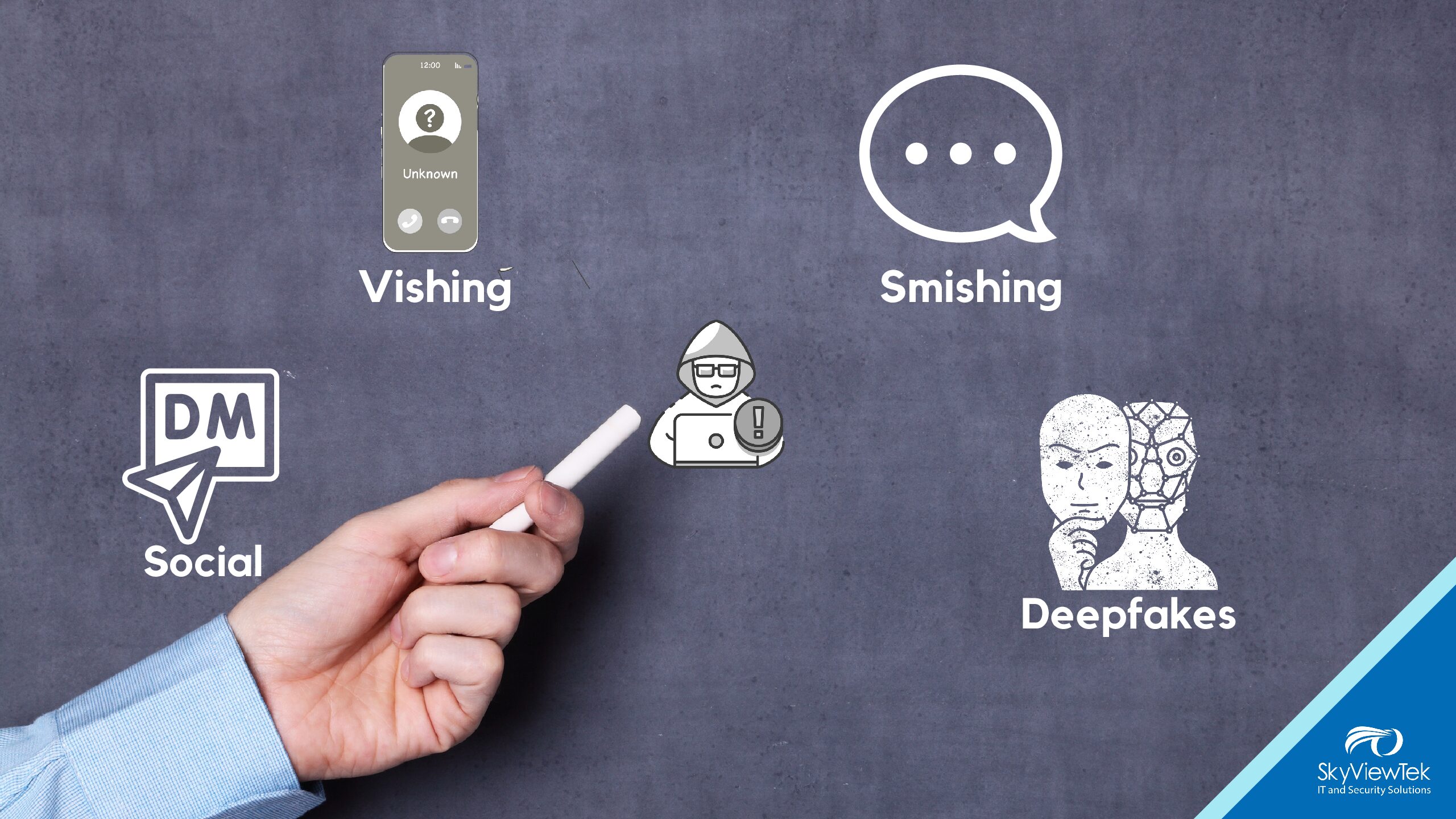
📱 Phone calls (vishing), where criminals mimic familiar voices
💬 Texts (smishing) with urgent messages that appear to be from banks, delivery services, or coworkers asking you to click links
🕷️ Phishing Tricks: Be cautious of emails claiming to be from trusted companies or even familiar names.
👥 Social media DMs posing as coworkers, vendors, or friends
🎭 Deepfake calls and video: today’s fraudsters can sound—or even look—just like someone you trust
How to stay safe:
🔗 Double-check unexpected requests using a separate, official contact method
🙅♂️ Never share codes, passwords, or financial info from calls or messages alone
👀 Watch out for urgent tricks, pressure, or requests to move chats off-platform
🚨 Report any suspicious contacts directly to your security team
🦇 Fake Treats: Avoid clicking links or opening attachments that promise special offers, invoices, or surprise deliveries, these can install malware or steal your login info.
🎭 Disguised Senders: Hover over email addresses or check the phone number carefully to confirm the message really came from who it claims.
🔐 Stay Protected: Enable Multi-Factor Authentication (MFA), use strong passwords, and alert your IT support team if something seems suspicious.
📧 If you’re expecting an email but it hasn’t arrived, consider taking action. Here are some options:
- Check your Junk or Spam folders—it may have been filtered by mistake.
- Search for the sender’s name or subject line in your email inbox. If you still don’t see it, reach out to your IT provider, like SkyViewTek. Sometimes security systems or email rules hold messages for verification before delivery, especially if they include attachments or links.
- Call the person who is supposed to send you the email, as it is possible the issue is on their side. For example, they may have an incorrect email address for you or their domain might be blacklisted.
If you know of a business owner or CEO or Office Manager who needs help managing their email, please refer them to SkyViewTek. For urgent questions, reach out to Bernie Orglmeister for a free consultation at support@skyviewtek.com or call 610-590-5006. Get expert help today!