
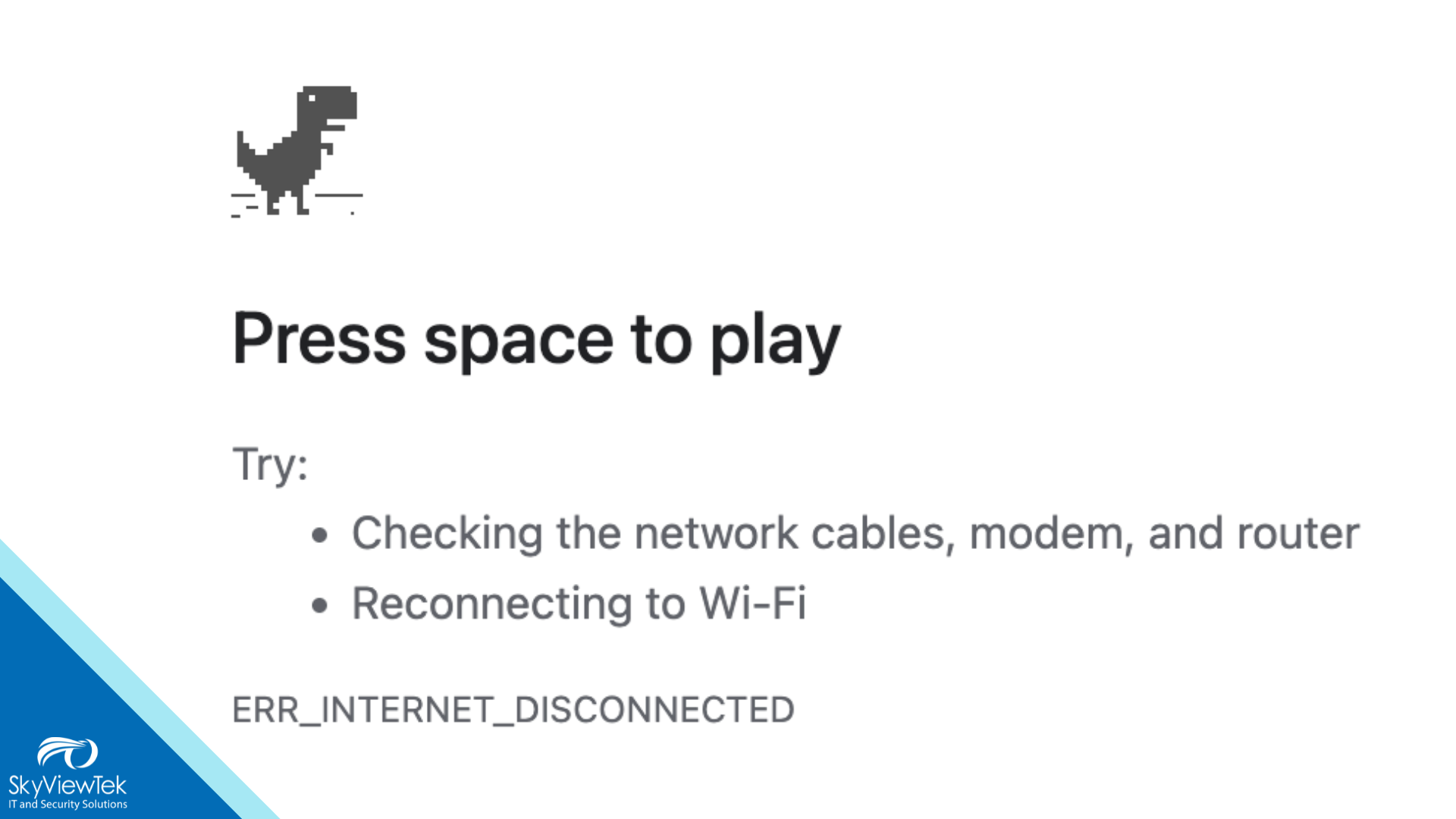
Your office may have a fast Internet plan, but employees can still deal with dropped calls, slow cloud apps, buffering video, and frustrating delays. Often, the issue is inside the building, not with the Internet provider.
Here are five common reasons business Wi-Fi slows down:
1. Poor access point placement
Wi-Fi signals weaken through walls, ceilings, metal, concrete, and other physical barriers. An access point hidden in a closet or placed at one end of the office may leave employees with weak coverage and dead zones.
2. Too many connected devices
Laptops, phones, tablets, printers, cameras, guest devices, smart TVs, and IoT equipment all compete for the same wireless capacity. Older access points may not be designed to support today’s device-heavy workplace.
3. Wireless interference
Nearby Wi-Fi networks, Bluetooth devices, wireless cameras, microwaves, cordless phones, and even certain lighting can interfere with wireless performance.
4. Outdated equipment or firmware
Older routers and access points can struggle with modern workloads, security standards, and device counts. Outdated firmware can also affect both performance and security.
5. Bandwidth is being used elsewhere
Cloud backups, video meetings, large file transfers, streaming, system updates, and guest-network traffic can consume available bandwidth, especially when there is no traffic management in place.
Before upgrading your Internet plan, confirm whether the real issue is the ISP connection or your internal Wi-Fi environment. A wired speed test can help establish whether the incoming Internet service is performing normally before investigating coverage, interference, or capacity.
A business Wi-Fi assessment can identify weak-signal areas, overloaded access points, interference, outdated equipment, and configuration issues.
Fast Internet is only useful if your Wi-Fi can deliver it where your team works.
Reach out to Bernie Orglmeister at support@skyviewtek.com or call 610-590-5006.