One click on the wrong browser pop up is all a website needs to turn your files into ransom.
Most people think ransomware only happens when you install shady software or open a suspicious attachment. In reality, a normal looking permission prompt in your browser can be enough to put your data at risk.
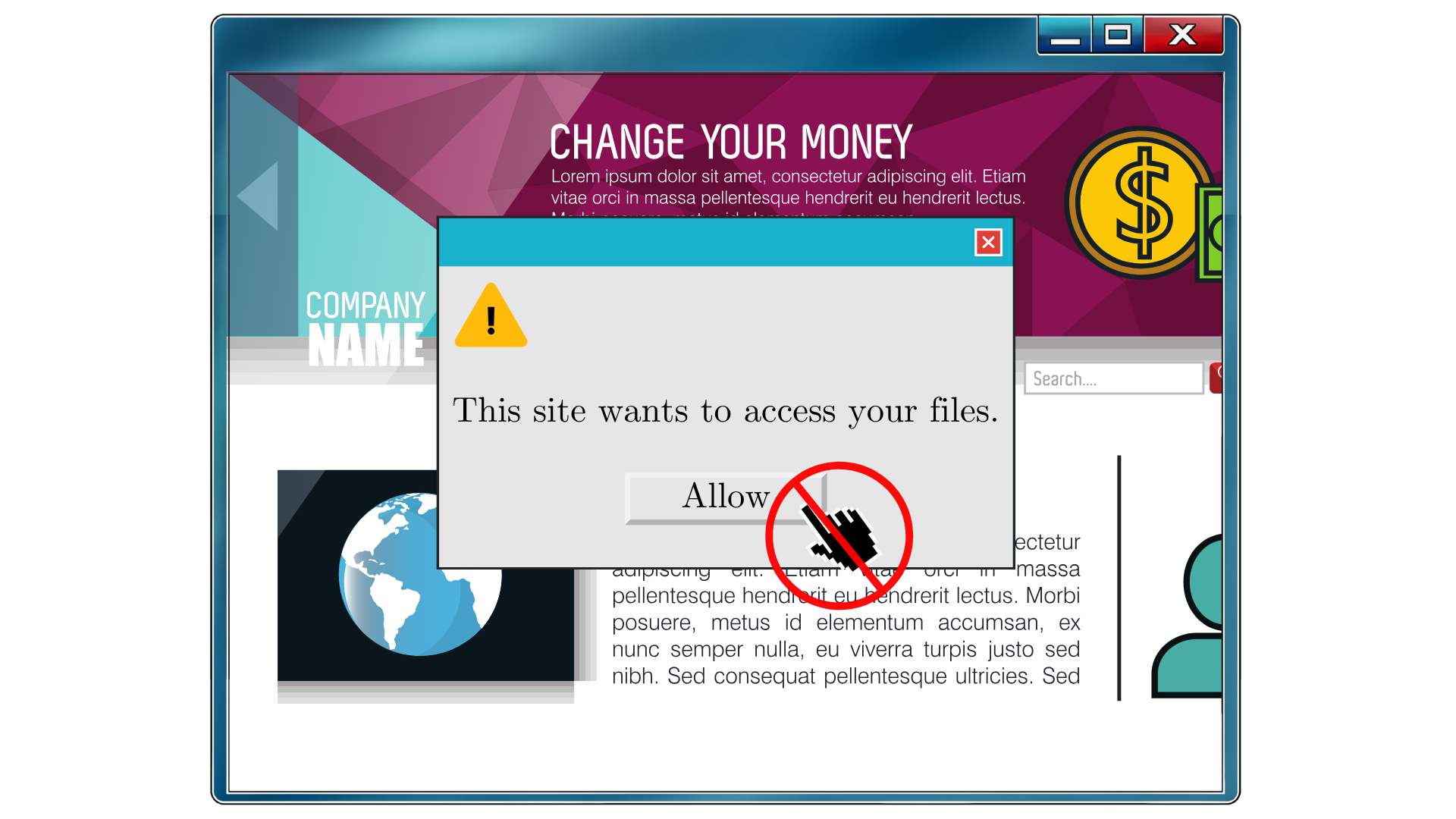
Modern browsers support something called the File System Access API. In plain English, it lets a website ask for permission to read or write files and folders on your device. If you click “Allow” on the wrong site, that page can read your files, steal them, encrypt or overwrite them, and then hit you with a ransom note. All of that can happen from inside the browser, without a traditional malware install.
This is not a science fiction scenario. It is a reminder of how dangerous normal looking permission prompts can be.
Here is what to remember:
Treat file access prompts like installing software.
If a website asks to access your files or an entire folder, do not see it as a harmless pop up. Stop and ask yourself, “Do I fully trust this site with my data?”
Only grant access to sites you genuinely trust.
Think banking sites, well known cloud tools, or business platforms you already use. Do not grant this permission to random sites you just clicked on from an email, ad, or social post.
Never give broad access to sensitive folders.
Your Documents, Desktop, Photos, or shared business drives should stay off limits unless you absolutely know why the site needs that access.
If you are not sure, click “Deny.”
In most cases, everyday users never need to grant this kind of deep file access to a website. When in doubt, say no and ask IT for guidance.
At SkyViewTek, we help your team recognize these subtle but high risk permission requests and configure your systems to reduce exposure, so one careless click does not turn into a ransomware emergency. Reach out to Bernie Orglmeister at support@skyviewtek.com or call 610‑590‑5006.