
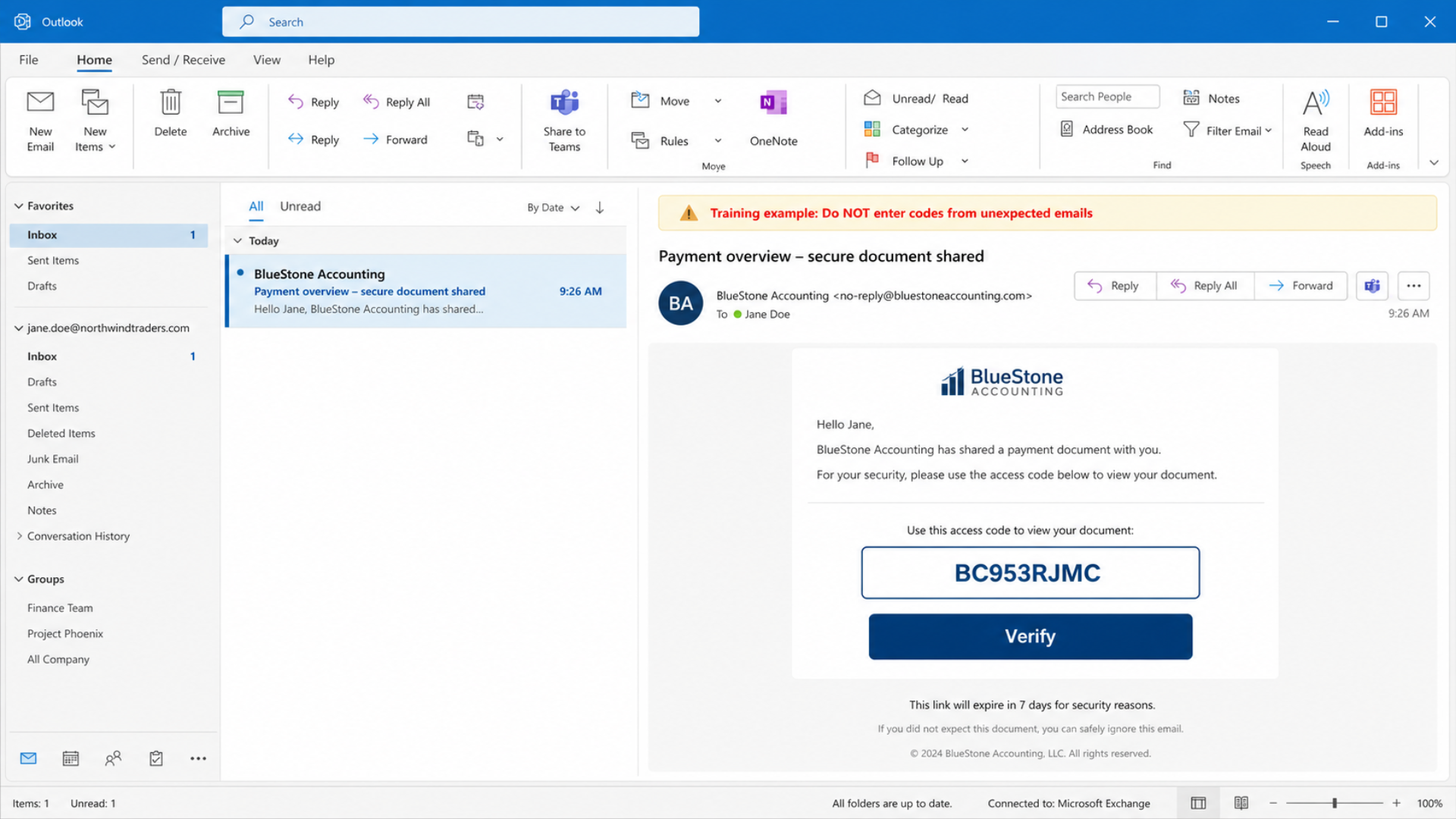
Cybercriminals are using a new phishing campaign called Kali365 to break into Microsoft 365 accounts – even when multi‑factor authentication (MFA) is enabled.
Here’s how it works:
– You receive an email asking you to review a document or access a shared file
– The email includes a “device code” and directs you to a legitimate Microsoft sign‑in page
– You enter the code, assuming it is safe
By doing this, you unknowingly authorize the attacker’s device to access your Microsoft 365 account (Outlook, Teams, OneDrive, and more)
Key point: Microsoft will not randomly email you a device code and ask you to enter it.
Do NOT:
– Enter device codes you receive via email or chat
– Approve MFA prompts you did not initiate
– Click links from unknown or unexpected senders
DO:
– Verify unexpected access requests with the sender using another method (call, text, or a new chat you initiate)
– Report suspicious emails, login prompts, or MFA requests to your IT/security team immediately
A 30‑second double‑check can prevent a full account takeover.
Not sure if your Microsoft 365 is properly protected? SkyViewTek helps businesses lock down accounts, train staff, and monitor for threats.
Reach out to Bernie Orglmeister at support@skyviewtek.com or call 610‑590‑5006.